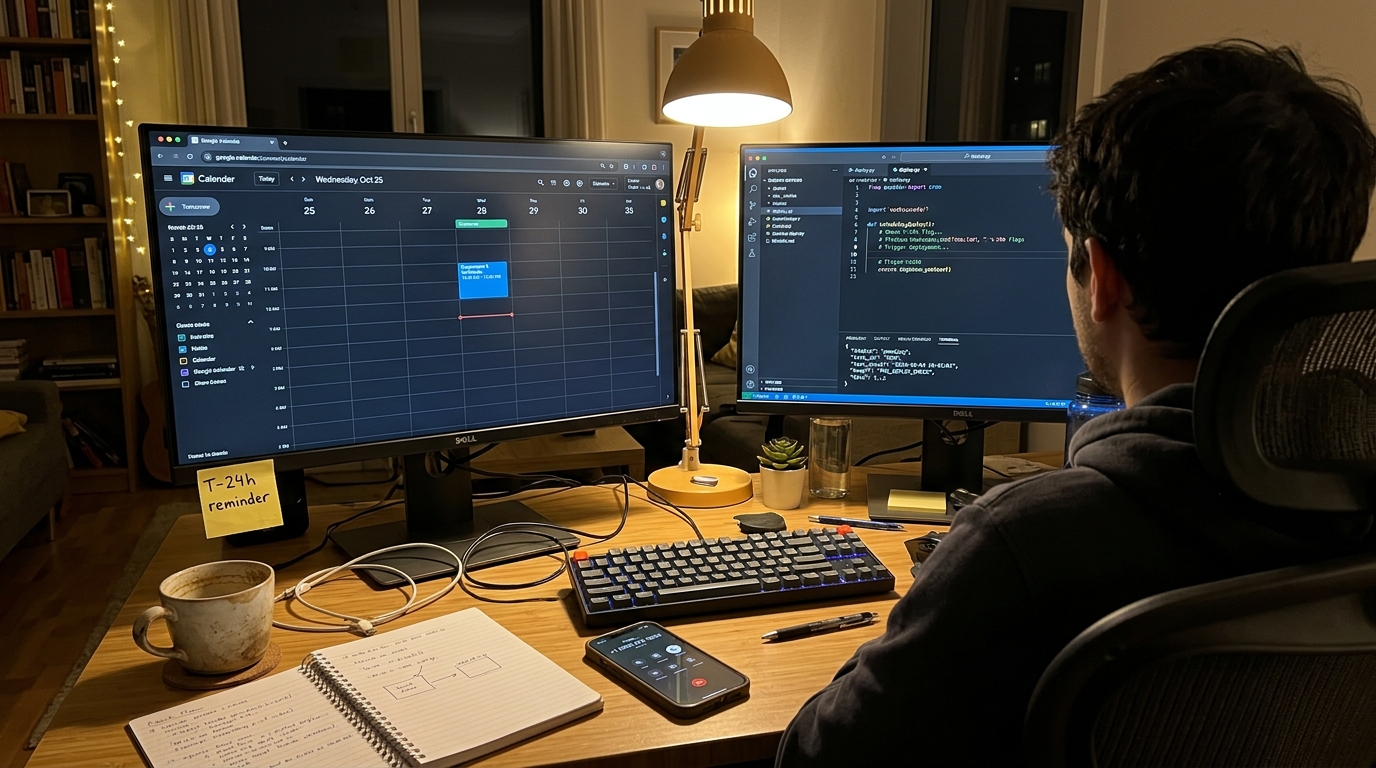
Automating Appointment Reminders After an AI Receptionist Books the Call
The No-Show Problem
An appointment gets booked. Nobody follows up. A meaningful percentage of those bookings just don't show — no cancellation, no reschedule, they simply don't come. For phone-booked appointments specifically, this is worse: there was never an email captured, no confirmation link, nothing automated fires by default.
If a client's inbound line is answered by an AI receptionist that books straight into a calendar, you already have the one piece of data you need to fix this: a booking event, with a phone number attached. This post wires that event to an automated reminder call the day before the appointment.
What you're building: a webhook receiver that catches new bookings, schedules a job for 24 hours before the appointment, and places a reminder call through the AgentPhone API when that job fires.
Prerequisites:
- Python 3.10+,
pip install fastapi httpx apscheduler - An inbound line booking appointments — if the client doesn't have one, NextPhone answers calls and books directly into a calendar, which is what triggers step one below.
- An AgentPhone API key (get one free — 5 calls, no credit card)
Step 1: Catch the Booking Event
Most booking-capable receptionist tools fire a webhook when an appointment is created. Set up a receiver:
from fastapi import FastAPI, Request
from datetime import datetime, timedelta

app = FastAPI()

@app.post("/webhooks/booking-created")
async def on_booking_created(request: Request):
    payload = await request.json()

    appointment = {
        "customer_name": payload["customer_name"],
        "customer_phone": payload["customer_phone"],  # E.164 format
        "business_name": payload["business_name"],
        "start_time": datetime.fromisoformat(payload["start_time"]),
    }

    schedule_reminder_call(appointment)
    return {"status": "ok"}
The exact payload shape depends on the booking source. The fields that matter for what follows: the customer's phone number and the appointment's start time.
Step 2: Schedule the Reminder Job
Use a job scheduler to fire 24 hours before the appointment — apscheduler works fine for a single-server setup; swap in a durable queue (Celery, SQS + a worker) if you need reminders to survive a restart.
from apscheduler.schedulers.background import BackgroundScheduler

scheduler = BackgroundScheduler()
scheduler.start()

def schedule_reminder_call(appointment):
    run_at = appointment["start_time"] - timedelta(hours=24)

    scheduler.add_job(
        place_reminder_call,
        "date",
        run_date=run_at,
        args=[appointment],
        id=f"reminder-{appointment['customer_phone']}-{appointment['start_time'].isoformat()}",
    )
The job ID includes the phone number and appointment time so a duplicate webhook delivery doesn't schedule the same reminder twice — add_job with a repeated id raises instead of silently double-booking a call.
Step 3: Place the Call
When the job fires, it calls AgentPhone with the appointment details as the objective:
import httpx
import time
import os

AGENTPHONE_API_KEY = os.environ["AGENTPHONE_API_KEY"]
AGENTPHONE_BASE = "https://agentphone.app/api/v1"
HEADERS = {"x-api-key": AGENTPHONE_API_KEY, "Content-Type": "application/json"}

def place_reminder_call(appointment):
    objective = (
        f"Remind {appointment['customer_name']} about their appointment "
        f"tomorrow at {appointment['start_time']:%-I:%M %p}. Confirm they "
        f"plan to attend, or ask if they'd like to reschedule."
    )

    response = httpx.post(f"{AGENTPHONE_BASE}/calls", headers=HEADERS, json={
        "to_phone_number": appointment["customer_phone"],
        "objective": objective,
        "business_name": appointment["business_name"],
    })
    call_id = response.json()["data"]["call_id"]

    # Poll until the call finishes
    while True:
        time.sleep(4)
        result = httpx.get(f"{AGENTPHONE_BASE}/calls/{call_id}", headers=HEADERS).json()["data"]
        if result["status"] in ("completed", "failed", "canceled"):
            break

    record_reminder_outcome(appointment, result)
The objective field is what drives the conversation — it's plain text, so put the specifics in it: name, time, what you want confirmed. AgentPhone's voice AI handles the actual back-and-forth, including a customer who wants to reschedule on the spot instead of just confirming.
Step 4: Act on the Outcome
The call returns a structured outcome — achieved, not_achieved, or partial — plus a summary and full transcript. Use it to update the calendar or flag the appointment for a human:
def record_reminder_outcome(appointment, result):
    outcome = result.get("outcome")

    if outcome == "achieved":
        # Customer confirmed. No action needed.
        log_reminder(appointment, status="confirmed")
    elif outcome == "not_achieved" or result["status"] == "failed":
        # Didn't reach them, or they need to reschedule.
        # Flag for a human, or attempt a reschedule flow.
        flag_for_followup(appointment, result.get("summary", "Call did not connect"))
    elif outcome == "partial":
        # Reached them, something's unresolved — read the transcript.
        flag_for_followup(appointment, result.get("summary", ""))
A not_achieved outcome after a voicemail or no-answer is a good candidate for a second attempt a few hours later, or a fallback SMS if you have one wired up — the transcript and summary tell you which.
Putting It Together
The full flow, end to end:
Inbound call → receptionist books appointment → webhook fires
    → job scheduled for T-24h
    → job runs → AgentPhone places reminder call
    → outcome recorded → calendar updated / human flagged if needed
Nothing in steps 1–4 is specific to any one receptionist product — any booking system that fires a webhook with a phone number and a start time slots into step 1. If the inbound half doesn't exist yet, that's a separate build: NextPhone (linked above) handles answering and booking so this webhook has something to listen to.
Extending This
The same pattern covers more than reminders:
- No-show follow-up — if a
not_achievedreminder call didn't get a confirmation, fire a same-day check-in instead of just hoping they show. - Post-appointment review requests — trigger on appointment completion instead of booking.
- Re-engagement — pull customers with no booking in 90 days and place a check-in call.
All of these are the same shape: an event in your system triggers an objective-based call through AgentPhone. The scheduling and event logic is yours; AgentPhone just handles the conversation.
Related
- The AI Phone Stack for Client Work — how the inbound and outbound halves fit together for a client project.
- How to Let Your AI Agent Place Phone Calls — the AgentPhone API in full.
- Add Phone Calls to Your OpenAI Agent — wiring AgentPhone into an agent framework instead of a plain webhook.